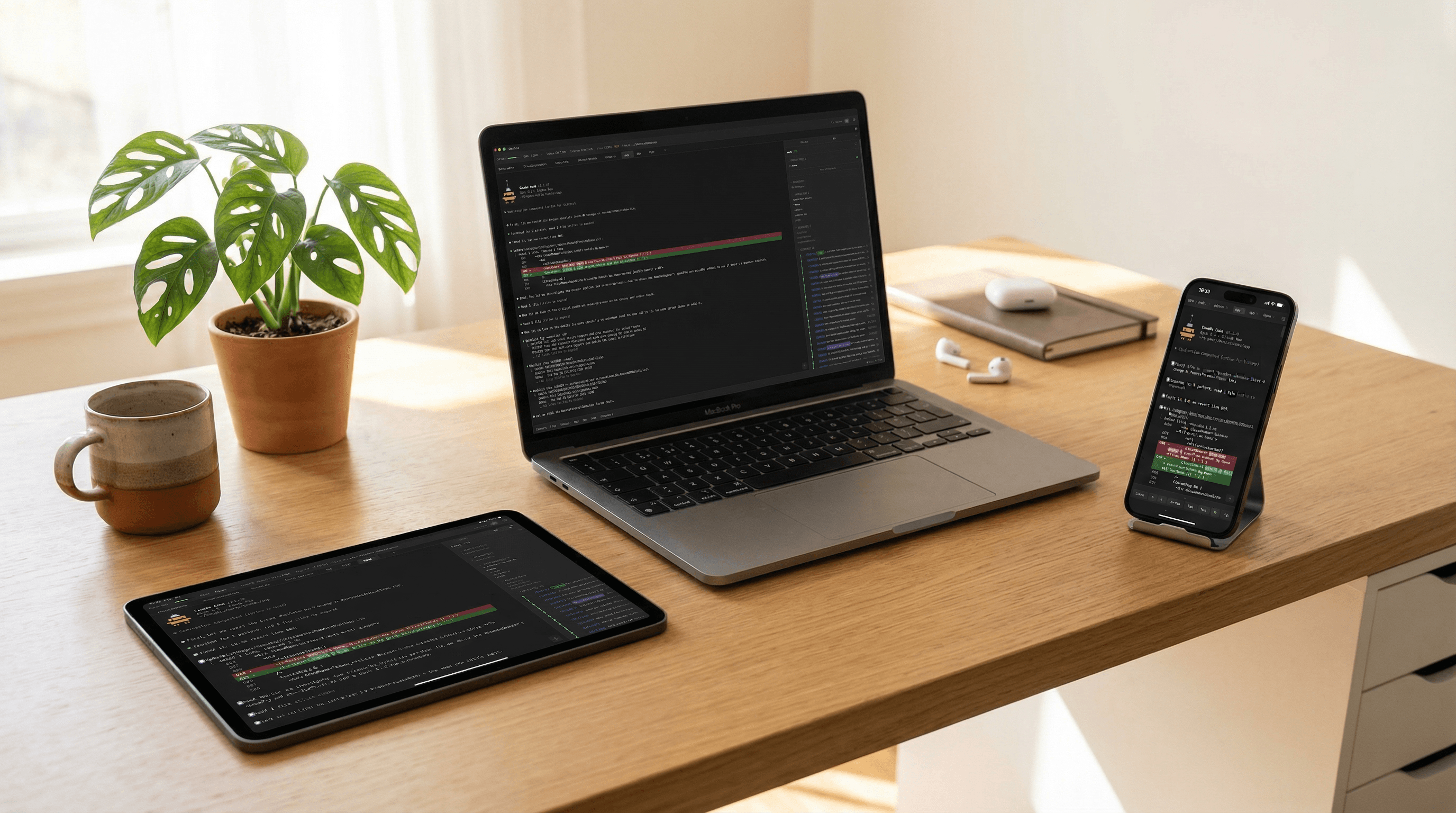
Caudex
Terminal for Claude Code
Lightweight. Fast. Intuitive.
Caudex
Terminal for Claude Code
Lightweight. Fast. Intuitive.
Designed for Claude Code
Purpose-built features that enhance your Claude Code experience
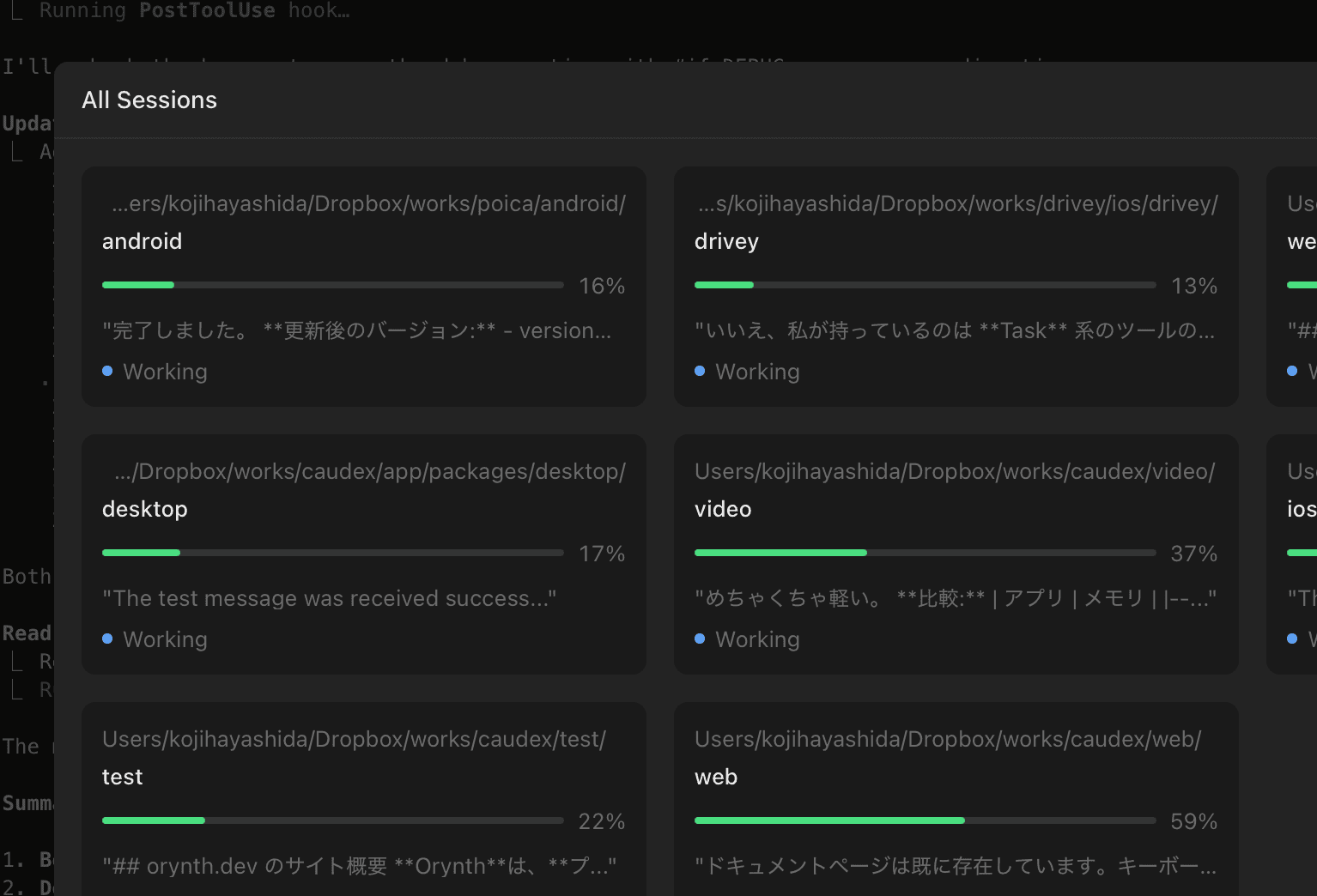
Multi-Tab Management
Manage multiple projects simultaneously with tab overview. Monitor all sessions at a glance with status indicators.
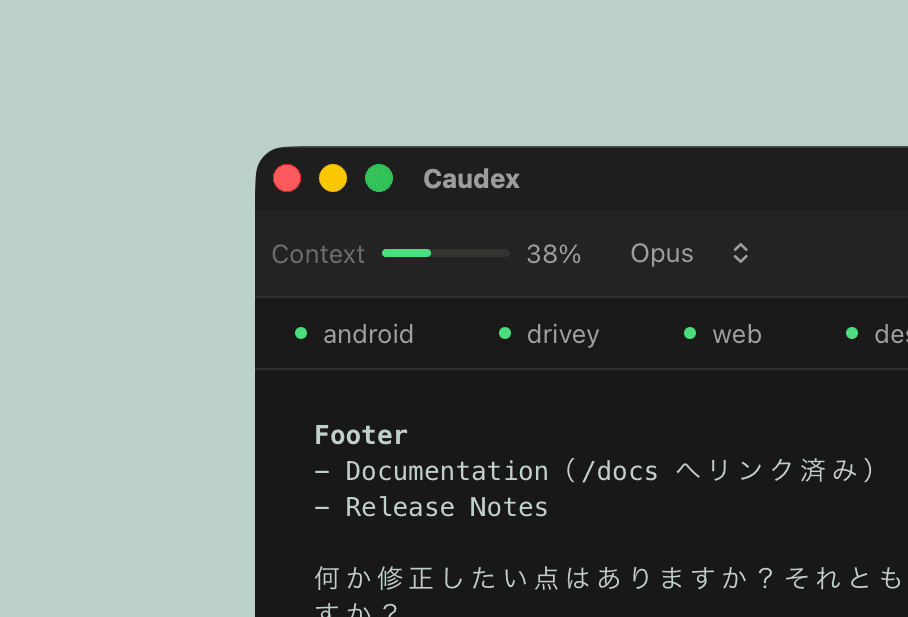
Context Monitoring
Real-time progress bars for context usage and cost tracking. Stay informed about your session metrics.
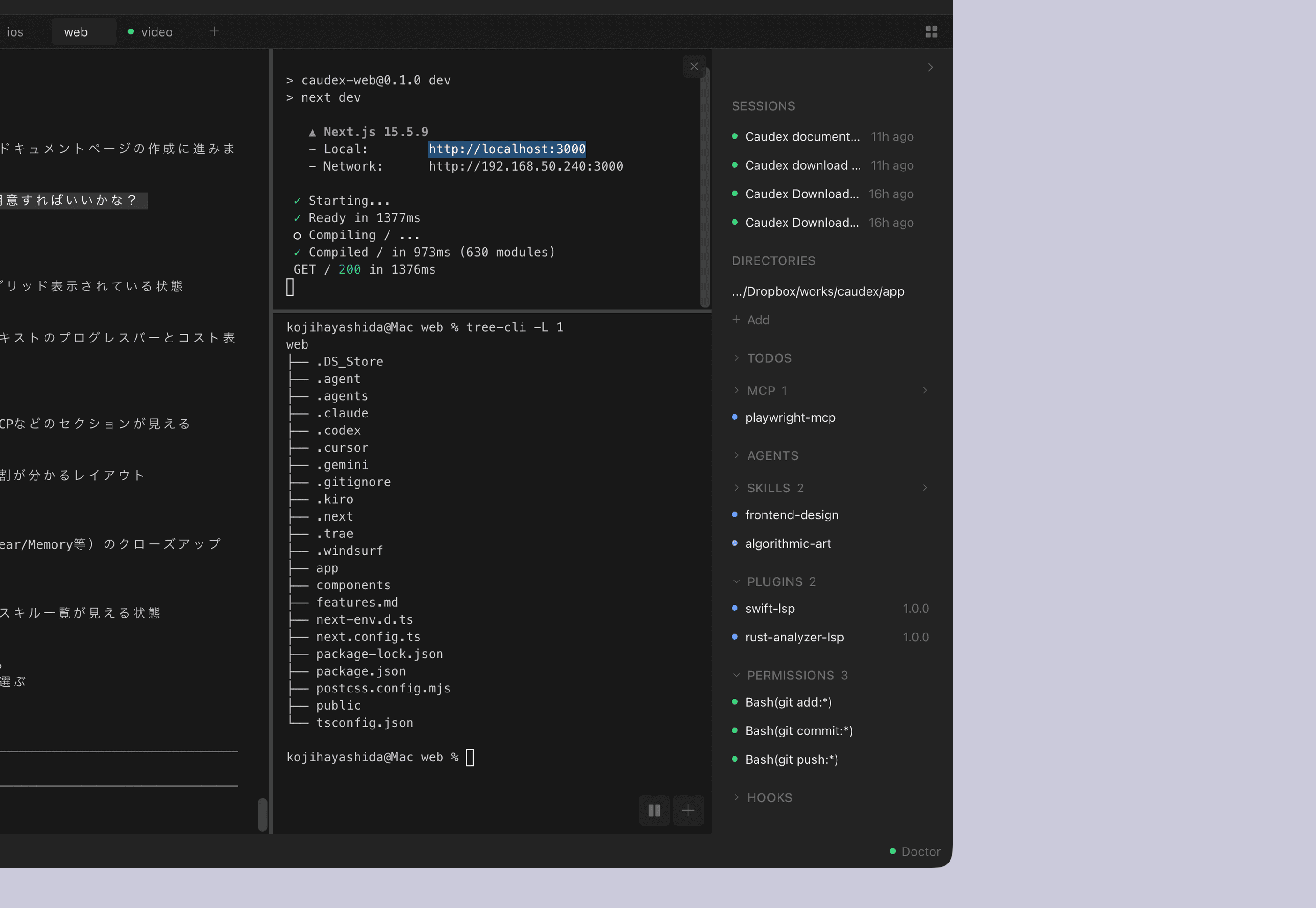
Information Panel
Quick access to Sessions, Todos, MCP servers, Agents, Skills, and Permissions in a unified sidebar.
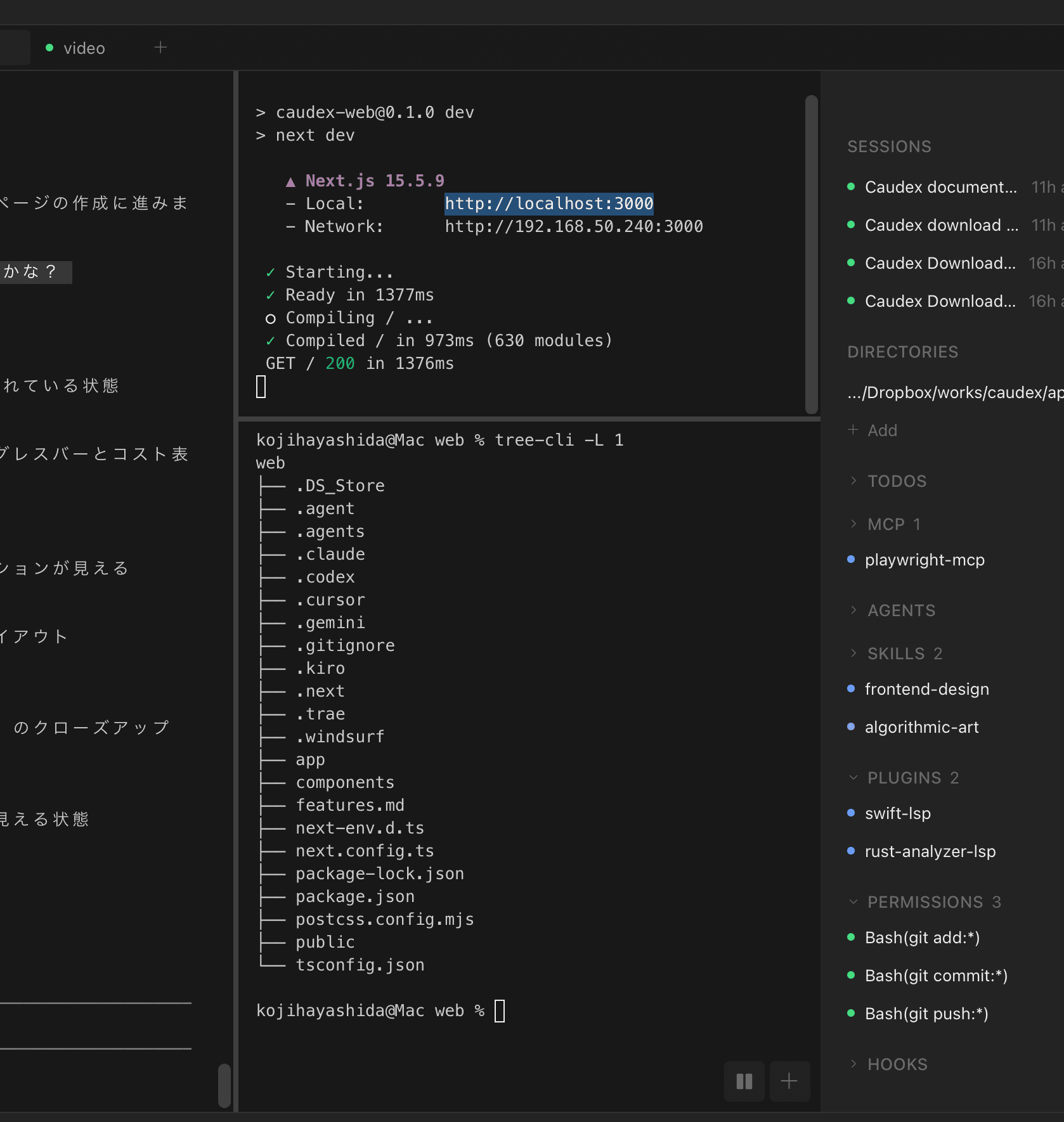
Multi-Split Terminal
Split your terminal horizontally and vertically. Run multiple Claude Code sessions or shell commands side by side.
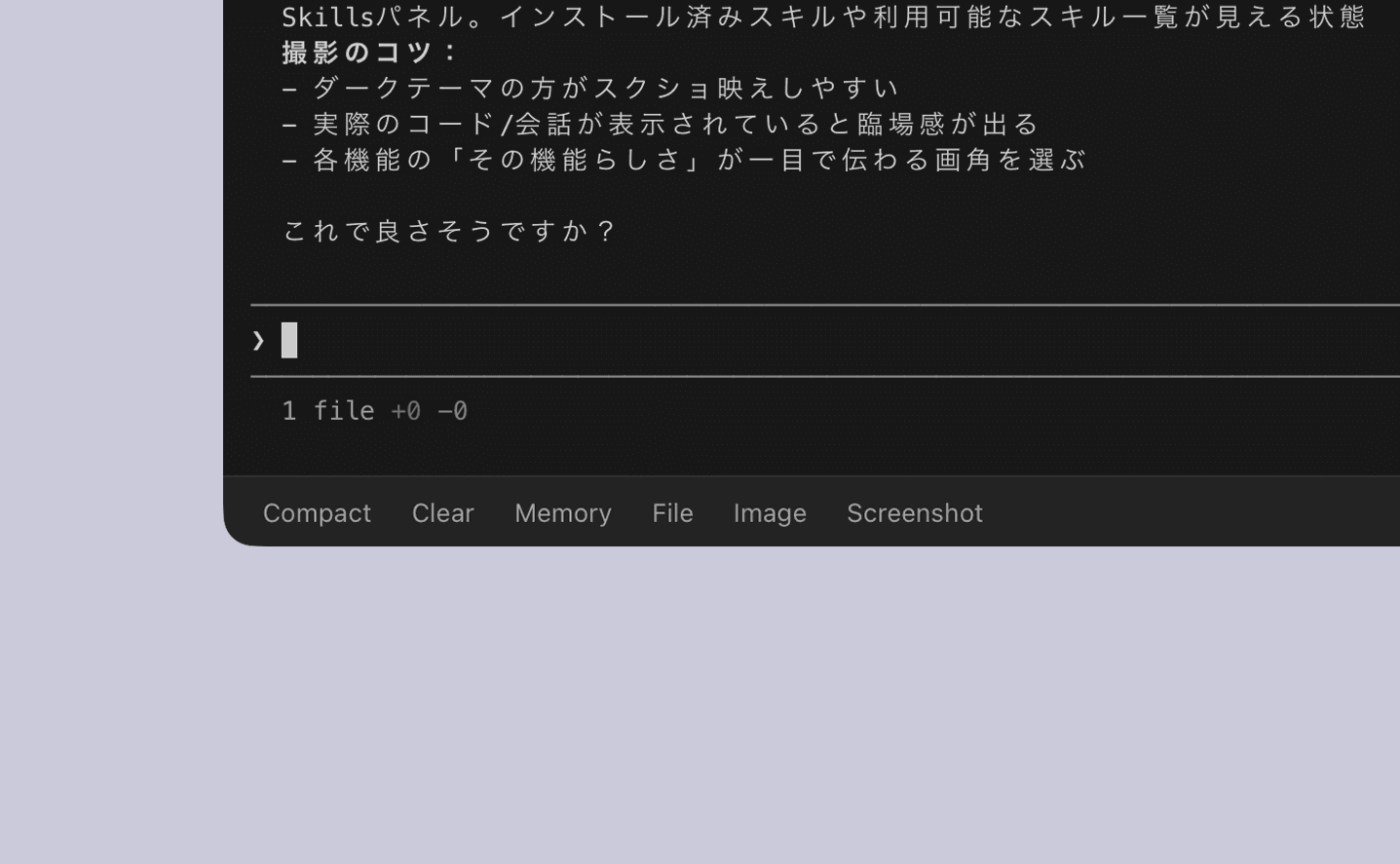
Quick Actions
One-click access to Compact, Clear, Memory editing, and Screenshot capture. Streamline your workflow.
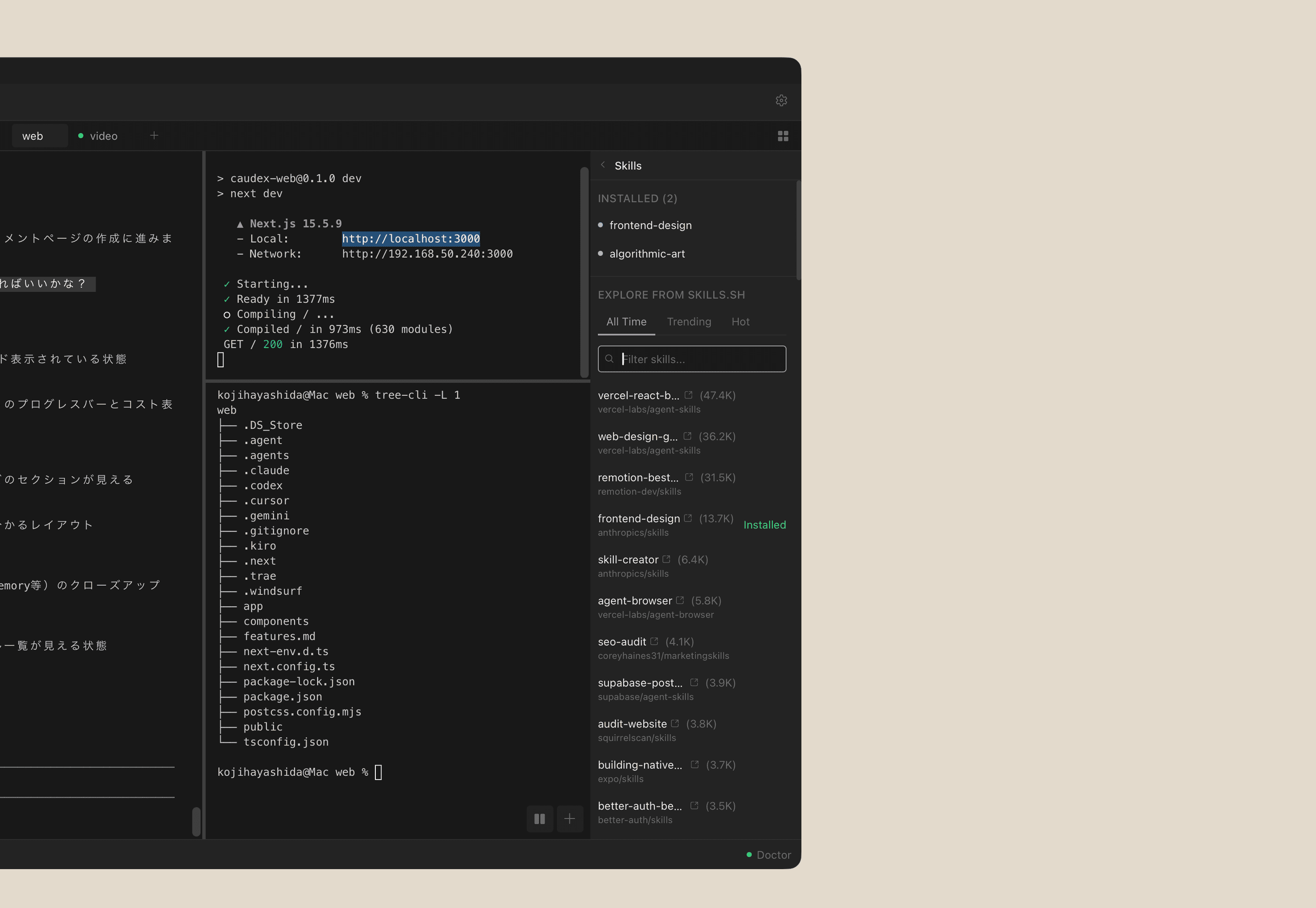
Skills Management
Browse, install, and manage skills with a visual interface. Extend Claude Code's capabilities effortlessly.
Session Management
Resume past sessions instantly. Continue where you left off.
Git Integration
View branch, status, and commit history at a glance.
MCP Server Management
Connect and configure MCP servers with ease.
Keyboard Shortcuts
Efficient navigation with customizable hotkeys.
Shell Terminal
Run regular shell commands alongside Claude Code.
Notifications
Get notified when Claude Code completes or needs input.